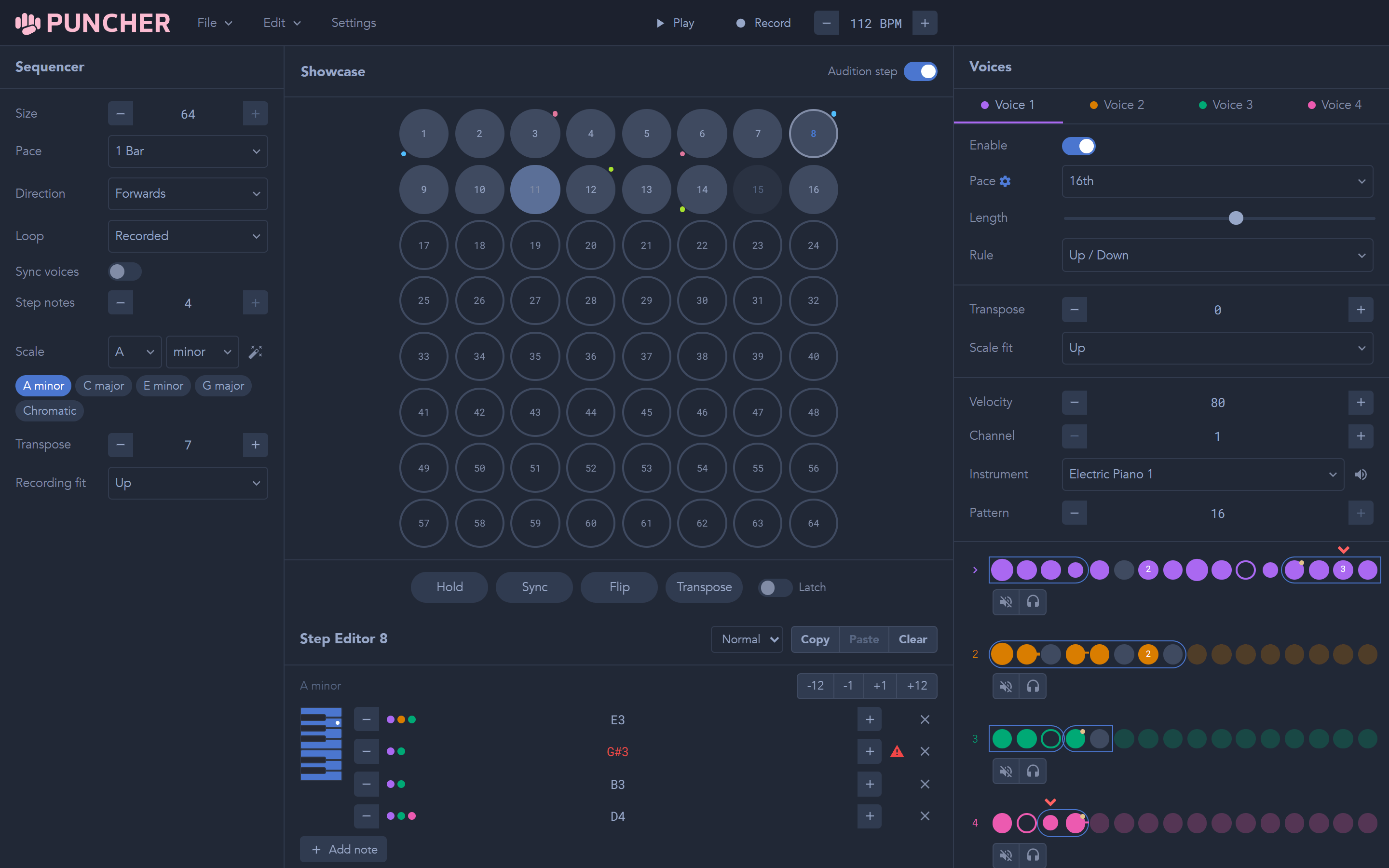
RHYTHM / NOTE CHOICE
One chord. Four perspectives.
Each voice reads the current step at its own pace. Turn a chord into a bass line, an arpeggio, and a melody that meet and drift apart.
Understand voicesPUNCHER / DOCUMENTATION
Get to know your sequencer. Build a pattern, give each voice its own rhythm, and see where the next step takes you.
FROM FIRST NOTE TO FINISHED PATCH
Hear the built-in synth or send MIDI to your DAW and hardware.
Set up your soundPut notes on the grid. Set the pace, choose a route, and add a jump.
Work with stepsDraw velocity and controller changes. Let each step move the sound.
Explore envelopesUNDER THE SURFACE
The steps hold the notes.
What happens next is up to the voices.
Each voice reads the current step at its own pace. Turn a chord into a bass line, an arpeggio, and a melody that meet and drift apart.
Understand voices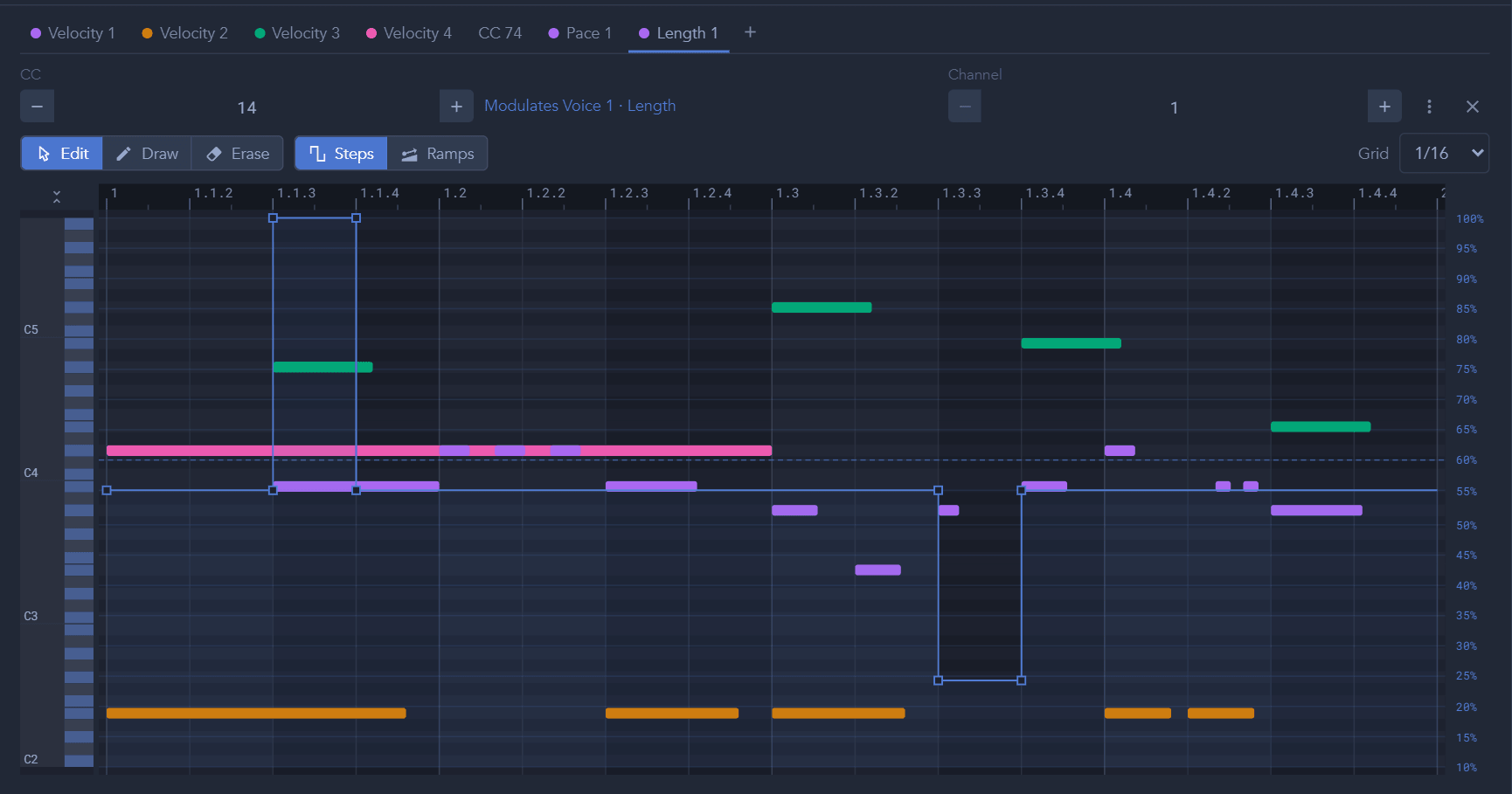
Draw and edit envelopes to modulate the sequencer's settings. Or you can create arbitrary CC envelopes to send along in your MIDI routing.
Work with modulationWHEN SOMETHING DOESN'T SOUND RIGHT
Check the signal path, find a missing setting, or report a problem.